
Aidan Feldman
Computing in Context (SIPA)
Structure for today
Intro
Going over course info like the syllabus, tools, etc.
IDEs
Command line
Packages
About me
Coding since 2005 🖥
Government since 2014 🦅
Teaching since 2011 🎓
Also a modern dancer 💃 and cyclist 🚲
Government
Non-profits
Disclaimers
Me
Here to teach you to:
Do a lot with just a little code
Troubleshoot
Google stuff
Terrible memory
Names
Not a statistician
You
Are not going to understand everything the first time
Will want to throw your computer out a window at one or many points in the class
Celebrate the little victories
Will get out of it what you put into it
Politics/protests/war
⏪ Rewind
These next two lectures, we’ll be revisiting topics from the first half.
Python
Language
Interpretor
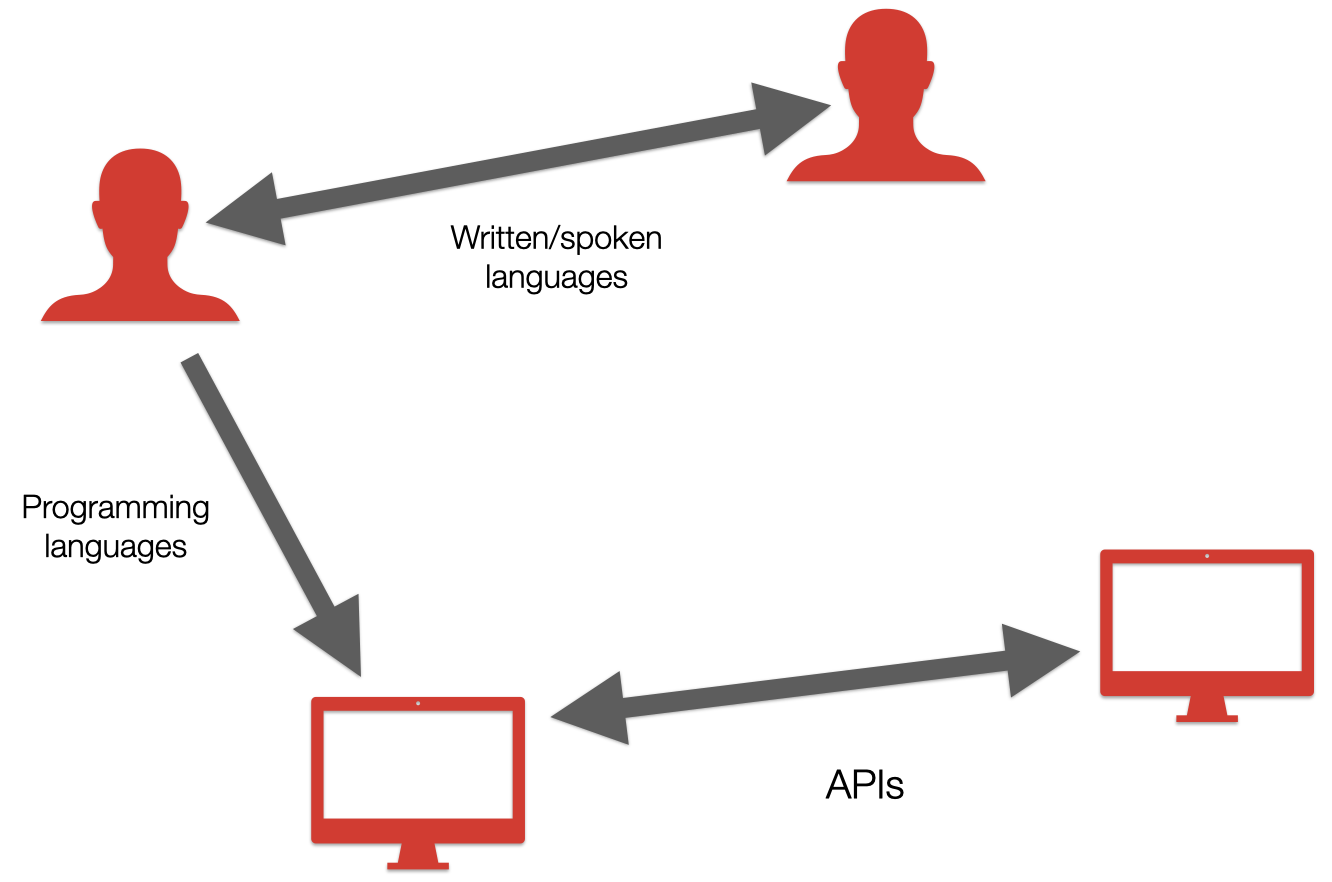
Language
Interpretor
Editor (VSCode)
Largely live demo and installation
If everything works, it will be a miracle.
Thanks for your patience.
Showing the recommended+supported path
If you’re comfortable with alternatives, can use those.
May feel like a whirlwind, just skimming the surface of these tools
Keeping the information in the slides minimal
There are links to more info
Editors
Spectrum: Minimalist editors to integrated development environments (IDEs)
Like Notepad/TextEdit/Notes vs. Word / Google Docs
Pros/cons?
Getting even more powerful with generative AI integrations
Visual Studio Code (VSCode)
Note to self: Switch to Computing in Context demo Profile.
Set up project
Go to open a folder/workspace
If you don’t have a class folder already:
Navigate to where you want it.
Click
New Folder.Name it something like
computing-in-context.
Configuration
Open your User Settings JSON.
Add the following. You may already have some settings — if you want to keep them, you’ll need to combine.
{
  // https://marketplace.visualstudio.com/items?itemName=charliermarsh.ruff#configuring-vs-code
  "editor.formatOnSave": true,
  "[python]": {
    "editor.defaultFormatter": "charliermarsh.ruff",
    "editor.codeActionsOnSave": {
      "source.organizeImports": "explicit"
    }
  },
  "notebook.formatOnSave.enabled": true,
  "notebook.codeActionsOnSave": {
    "notebook.source.organizeImports": "explicit"
  }
}
Confirm it works
Put some ill-formatted code (like
1 + 1) intest.py.Save the file.
Confirm the extra spaces were automatically removed.
Create Python file
Command line
Can use from within VSCode, or standalone
We’ll do the former, to stay in one place.
UNIX vs. Windows
We’re learning as little as necessary
We get into more detail in Advanced Computing for Policy.
Quick tips
You can press the up arrow on your keyboard to get to previously-run commands, rather than having to re-type it each time.
You can press control-R then type something to search through your command history. Press control-R again to see the next result.
Packages
a.k.a. “libraries”
Developers have create them to make code/functionality reusable and easily sharable
Software plugins that you
importMain packages we’ll use:
jupyter-bookpandasplotly
A module is a file containing Python definitions and statements.
https://
Your code, part of the standard library, or part of a package.